Blog
Modifold July Update
We updated creator profiles, added achievements, name badges, profile cover uploads, and sign-in with your Hytale game profile.
With the July update, we made a big step toward making Modifold more than just a catalog of mods. We want it to be a place where creators can build their name.
We have said this before: in modding, the individual project matters, but the person or team behind it matters too. That is why this update focuses a lot on profiles, achievements, badges, and connecting your Modifold account with your Hytale game profile.
Updated creator profiles
Author pages are now much closer to a proper public showcase for modders.
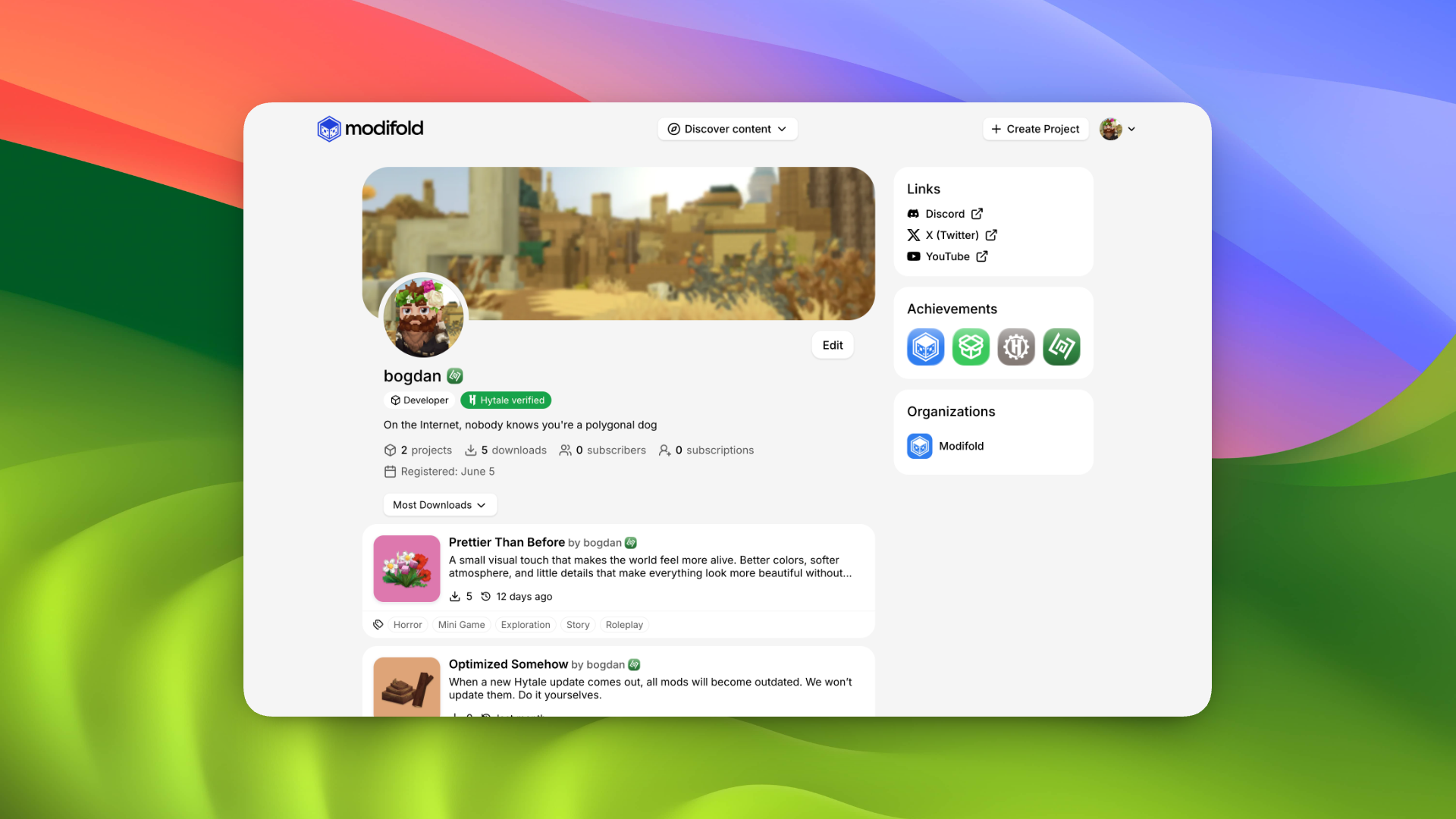
Profiles now make these things more visible:
- author avatar;
- profile cover;
- description;
- project count;
- total downloads;
- subscribers and subscriptions;
- published projects by the author.
The profile no longer feels like a small card with a few numbers. It is now a separate page where players can quickly understand who they are looking at, what projects the author makes, and how active their contribution to the community is.
Covers and avatars directly on the profile
We moved avatar uploading from settings directly to the profile page. If it is your profile, you can update your avatar without jumping through extra pages.
We also added profile cover uploads. It is a simple feature for now, but it already helps authors make their pages feel more personal and recognizable.
Achievements
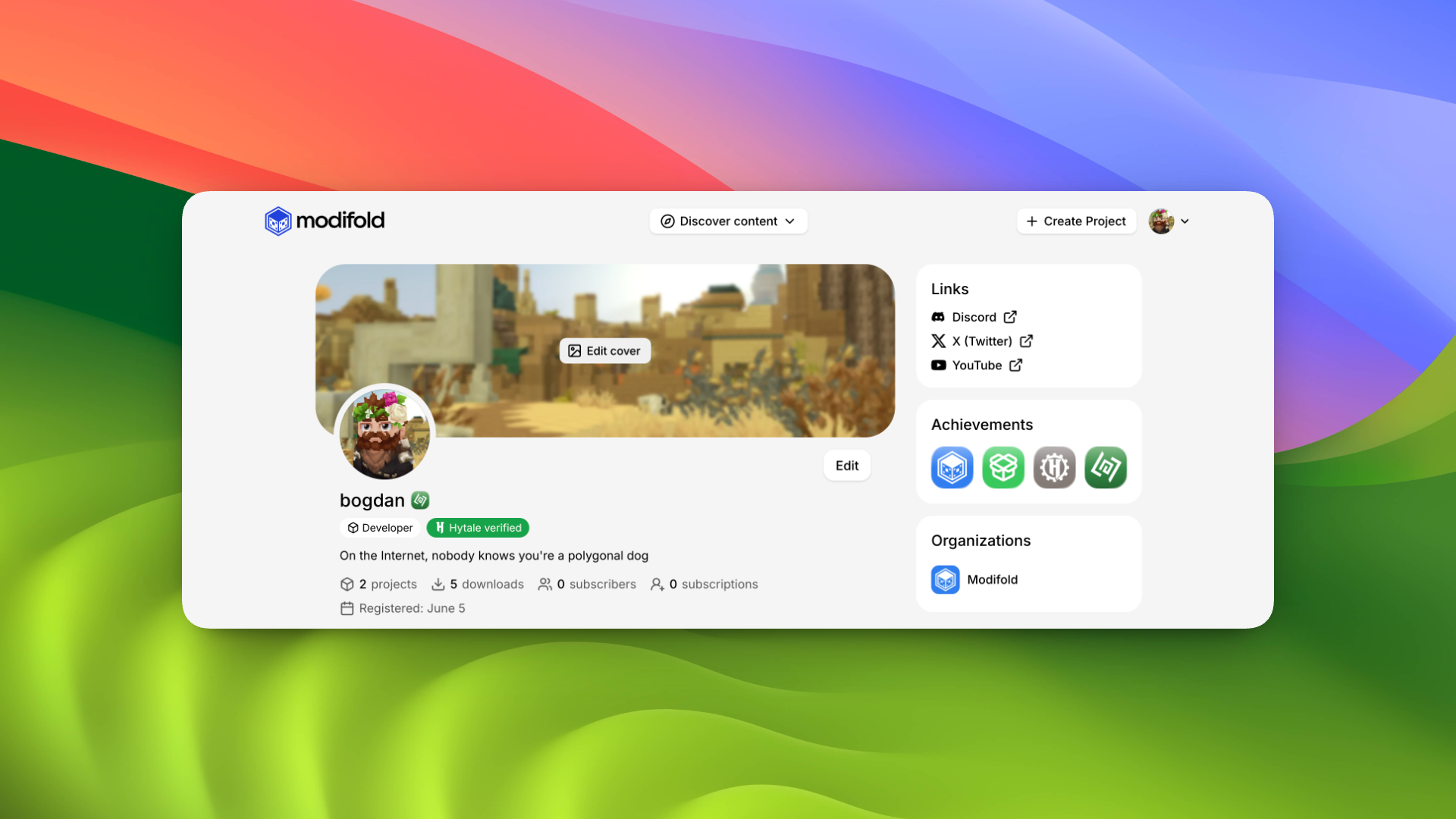
Modifold now has an achievement system.
If a user has earned achievements, they are shown on their profile.
Right now, achievements can be given for different things:
- first published project;
- 100, 500, and 10,000 downloads;
- participating in HytaleModding ModJam 2026;
- linking a Hytale game profile;
- other manual or unique events.
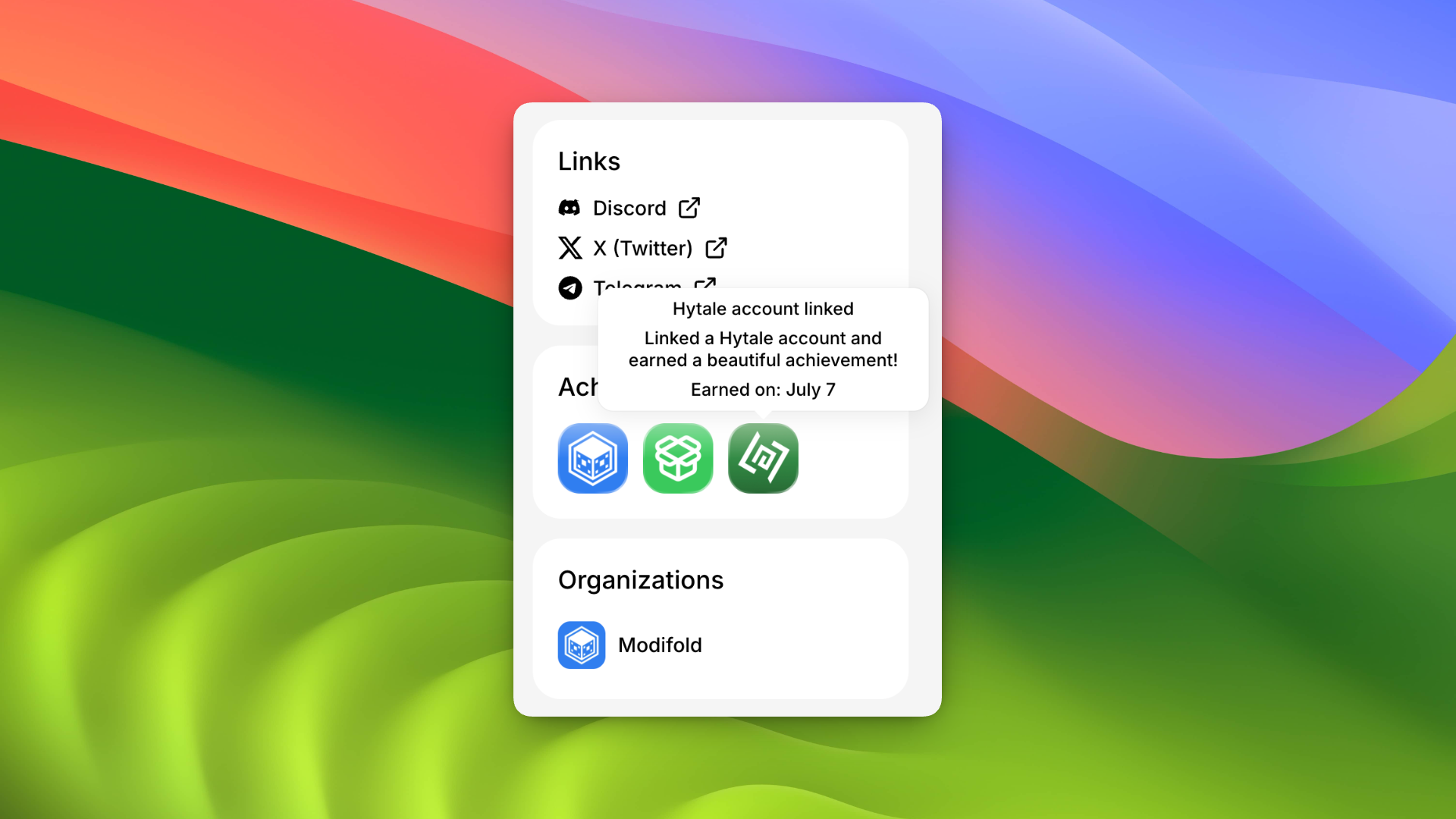
This is only the beginning. We want achievements to become a way to show the story of an author: event participation, important milestones, community contributions, and rare moments that are nice to keep on a profile.
We added a separate achievement for HytaleModding ModJam 2026 participants. If you took part in the event and publish your work on Modifold, you can show it directly on your profile.
If you participated in the Hytale x HytaleModding mod jam, message us on Discord with proof of participation and we will add the achievement to your profile.
Badges next to your name
Earned achievements can now be used as a badge next to your name.
If you have several achievements, you can choose which one appears next to your username. For example, you can show the Creator Badge, the ModJam participant badge, or the linked Hytale account badge.
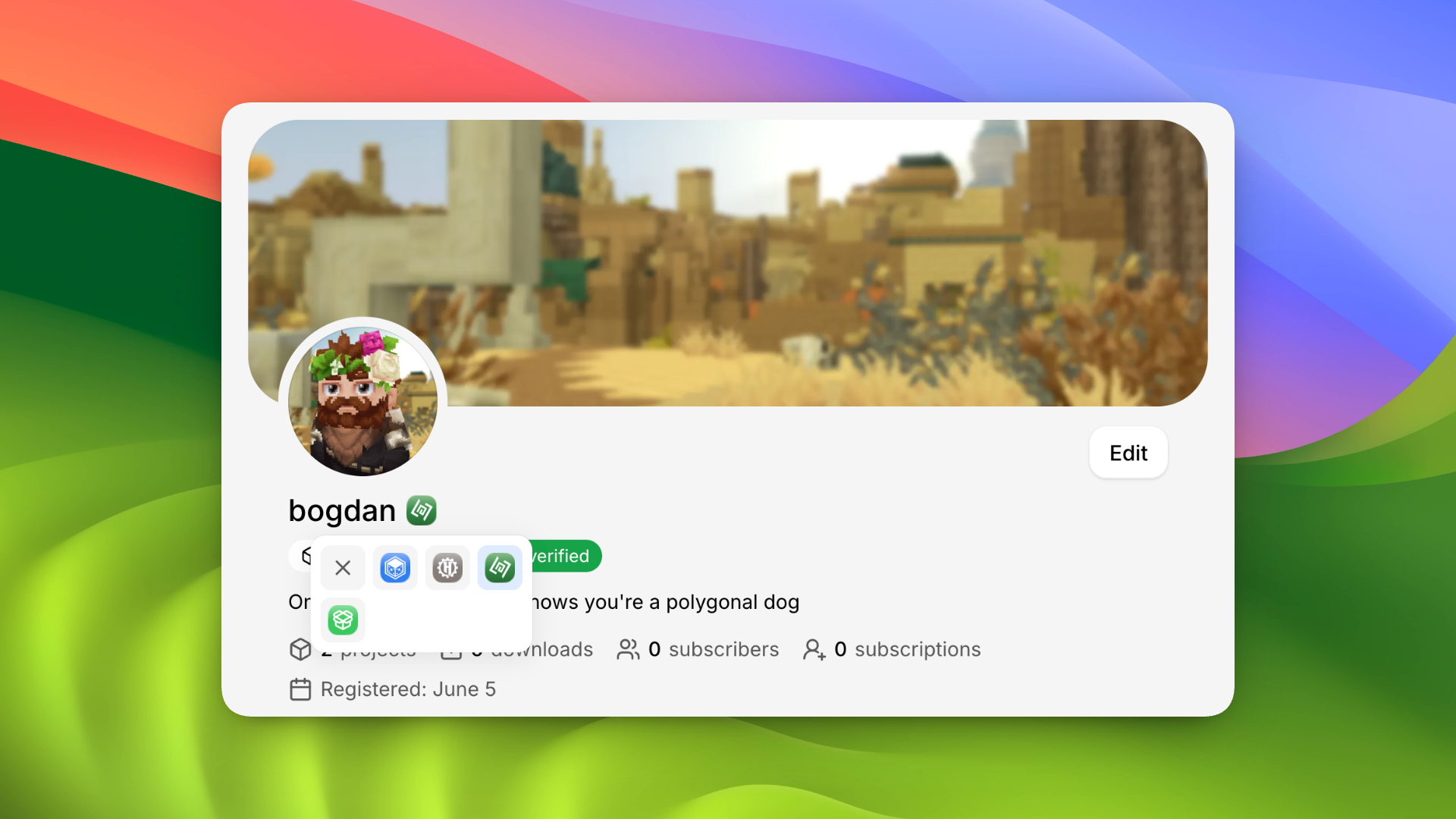
It is a small feature, but it makes profiles feel more alive. Each author can gradually build a visual status that is tied to real actions on the site.
Sign in and link your Hytale account
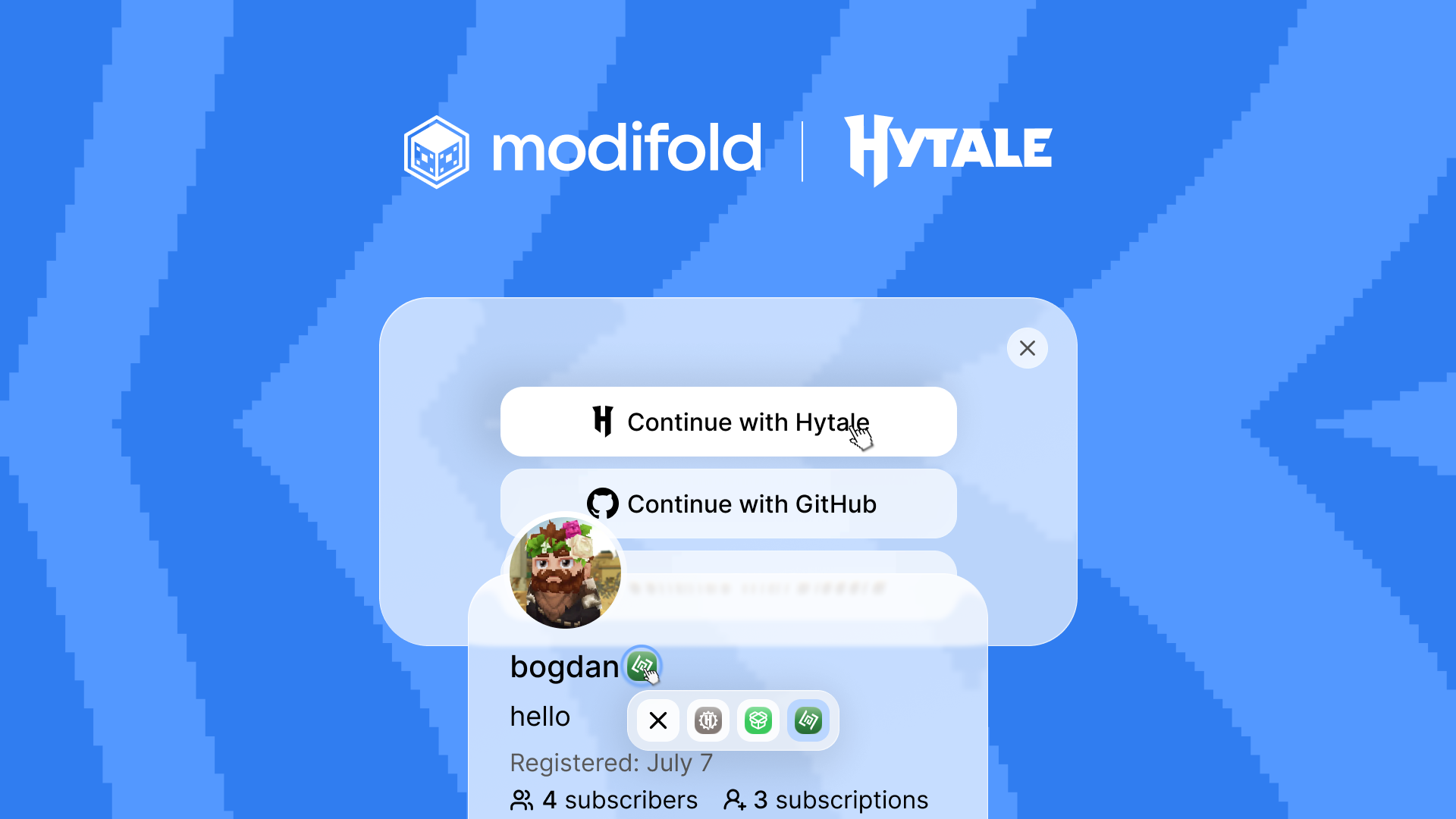
Modifold now supports sign-in with Hytale.
You can:
- create a Modifold account with Hytale;
- sign in to Modifold with Hytale;
- link your Hytale game profile to an existing account in security settings.
If you link your Hytale game profile, you will receive a special achievement on your profile and will be able to set a badge next to your name.
For us, this is an important step. A linked game profile helps players better understand that they are looking at a real creator connected to their Hytale account.
Profiles are easier to browse
The author's project feed is cleaner now too.
We added sorting, pagination, and significantly improved the mobile version of the profile. It is now easier to browse all projects by an author, move between pages, and find their most notable work.
What is next
Next, we will keep improving creator profiles.
We want Modifold to help modders not only publish mods, but also build their name: show achievements, grow an audience, take part in events, and become more visible to players.
Thank you to everyone who publishes projects, gives feedback, and helps make Modifold better.