Blog
Worlds, trailers, analytics, and more
Worlds are now on Modifold: you can publish horror maps, mini-games, adventures, and other projects to play with friends. And this is just the beginning!
While you are busy taking part in mod jams, we have been working hard on Modifold and trying to make it better in every way. By the way, we now have a new project type - worlds.
You can now publish horror maps to play with friends, mini-games, parkour, story adventures, cute little houses, and everything that usually starts with "guys, join for 5 minutes" and ends at three in the morning. Lol, that happened to me a lot.
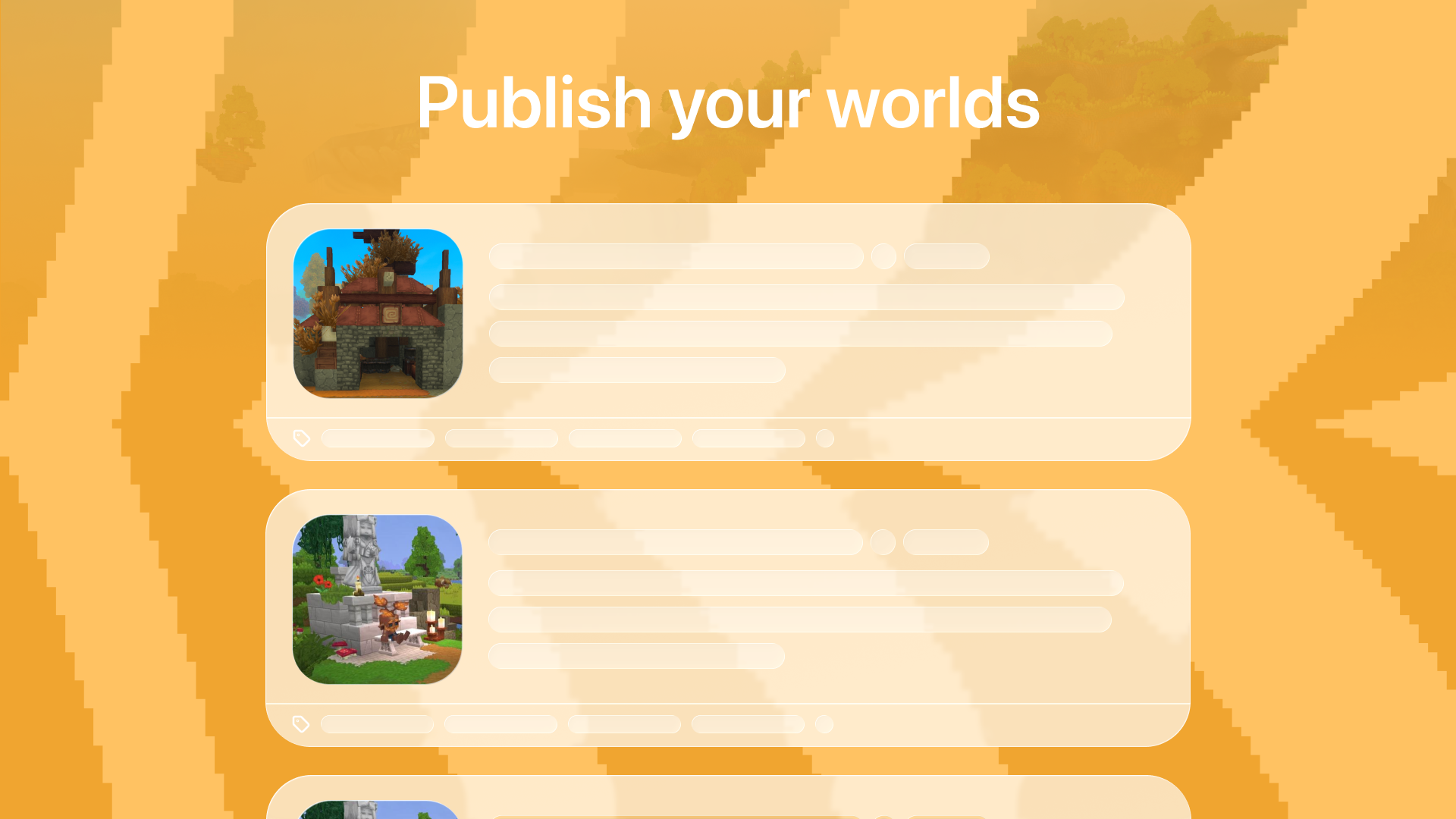
Publish your worlds
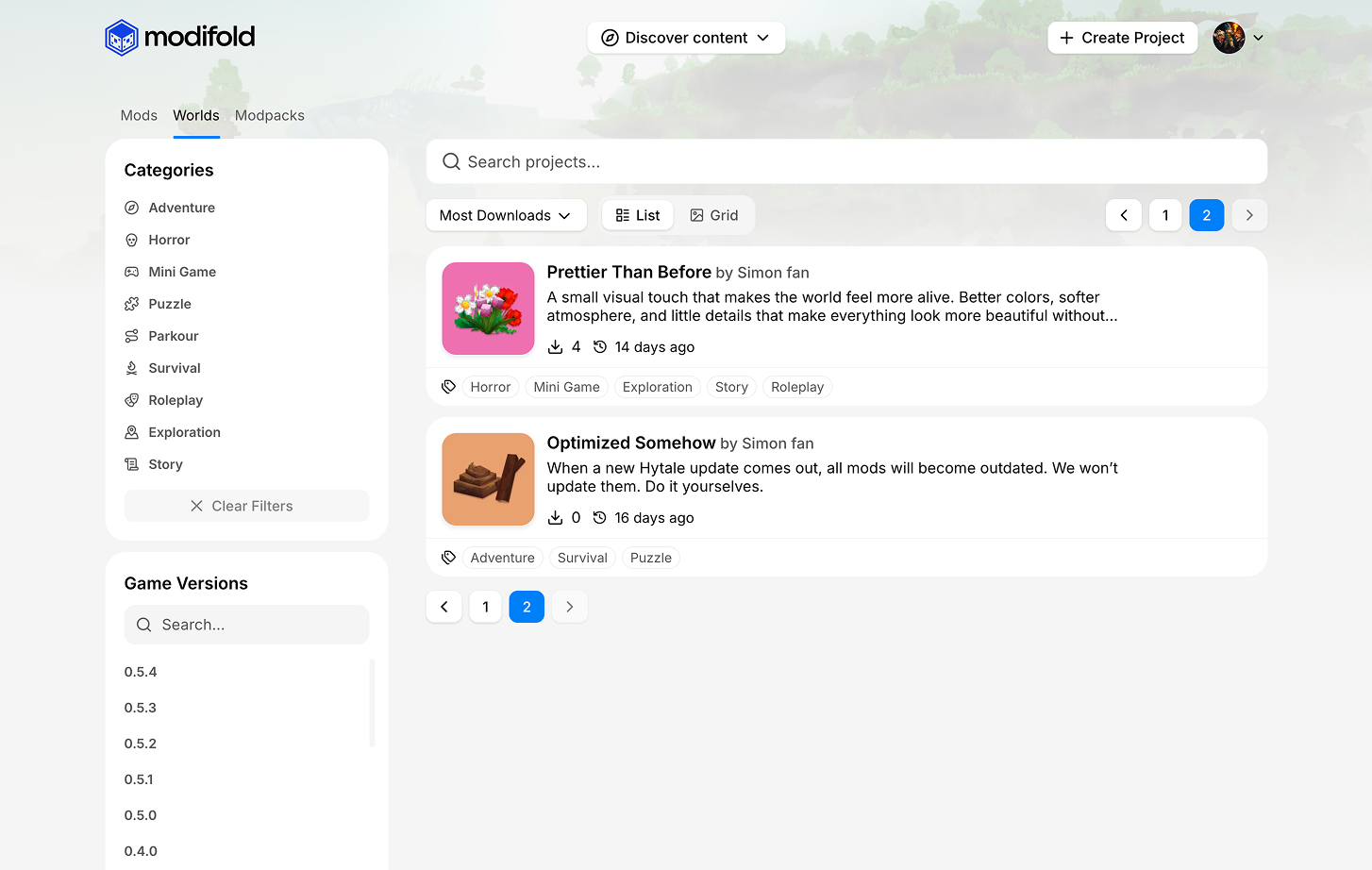
You can now create a project with the World type and publish your map as a separate project on Modifold.
Worlds now have their own section and their own categories. They are not just mods. They are maps with mods. They are a separate type of content, so we moved them into their own place, so worlds do not get lost among regular mods.
User analytics dashboard
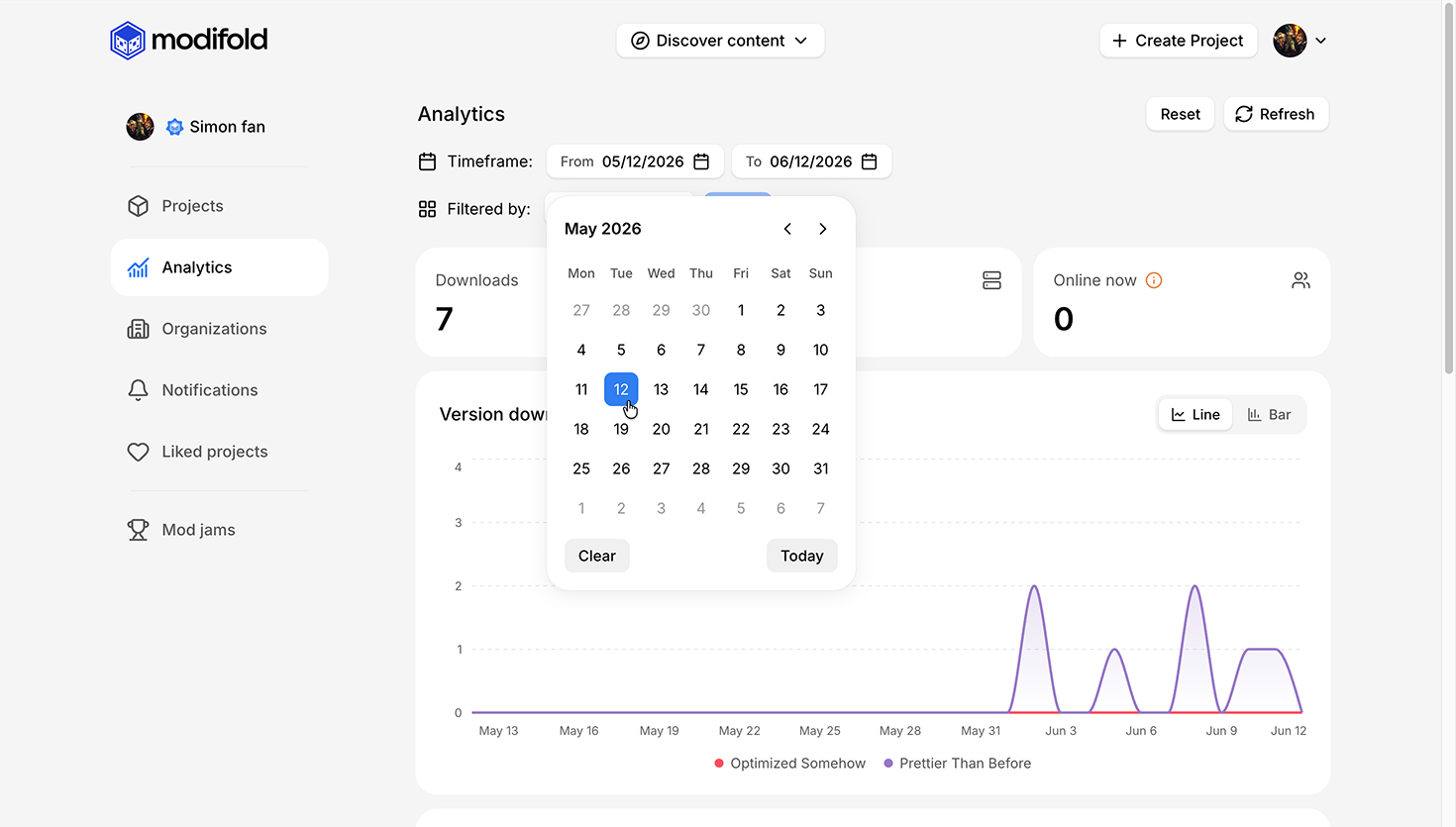
We added a user analytics dashboard.
Now you can view stats for all your projects in one place:
- downloads;
- views;
- charts;
- date filters;
- stats for selected projects.
Before, you had to jump between projects and piece the picture together manually. Now you can open one page and understand what is actually going on.
Profiles became more useful
User profiles now show:
- total project count;
- total downloads;
- published projects by the author.
A profile is gradually becoming a showcase for the author, not just a place where an avatar lives.
Trailers in galleries
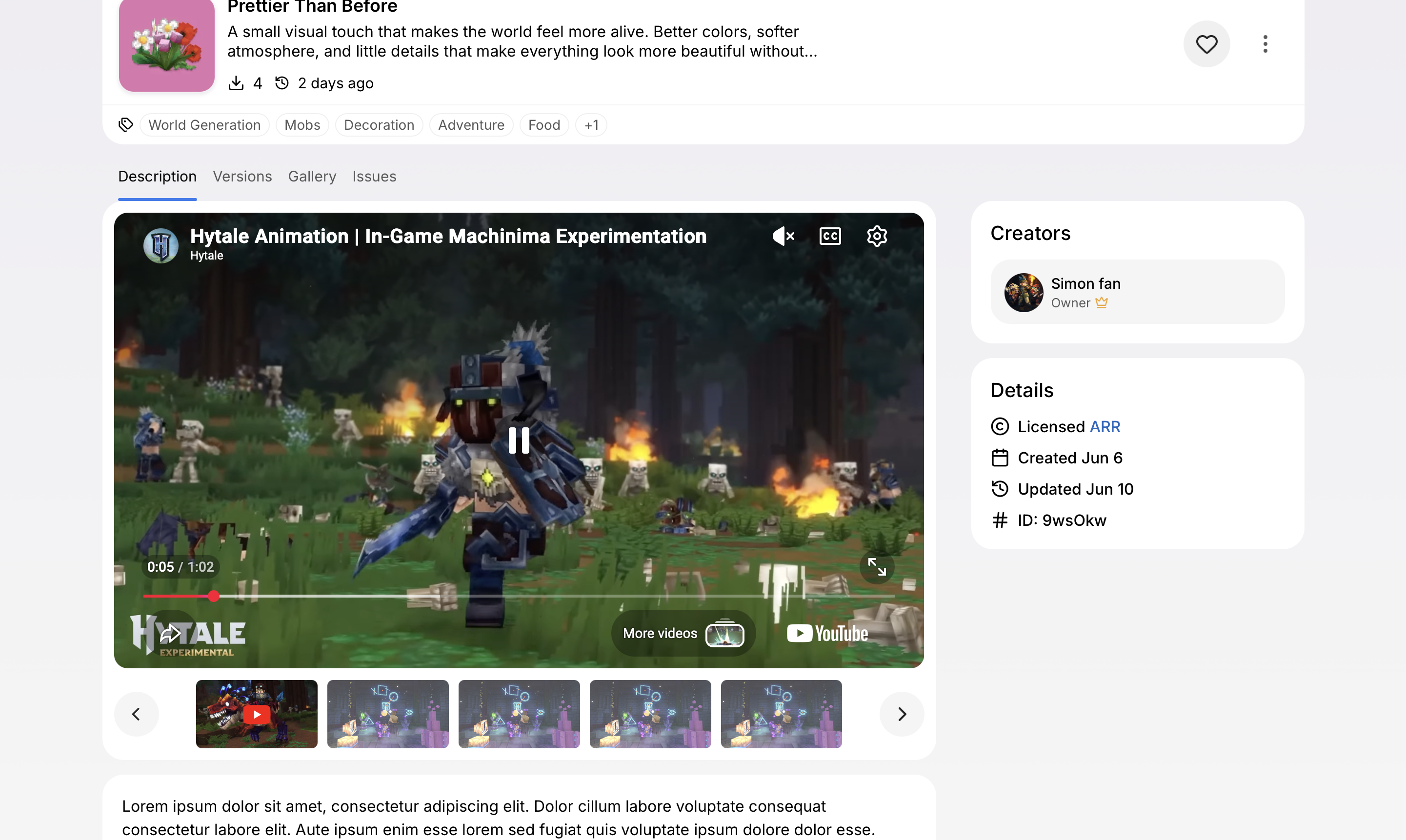
We added YouTube trailers to project galleries.
If a project has a trailer, it appears in the gallery and automatically starts muted when you open the project page.
This is especially good for worlds, because sometimes it is easier to show the atmosphere of a horror map in one short video than to try explaining it with words.
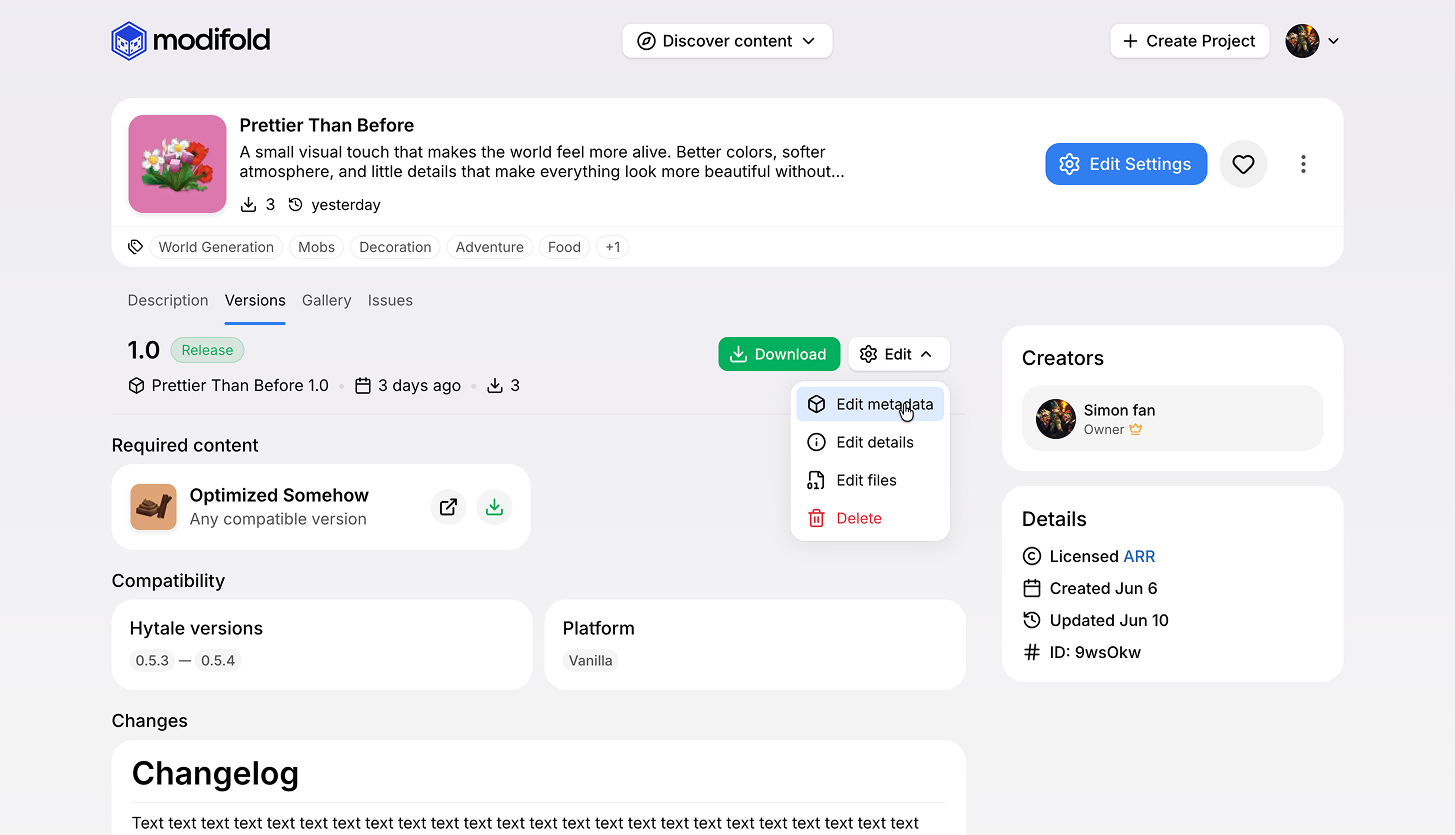
Project versions are easier to understand
We updated the project version page.
Now it is easier to understand:
- which file you are downloading;
- what status the version has;
- what dependencies it has;
- what is required and what is optional;
- which game versions are supported.
Dependencies are easier to download
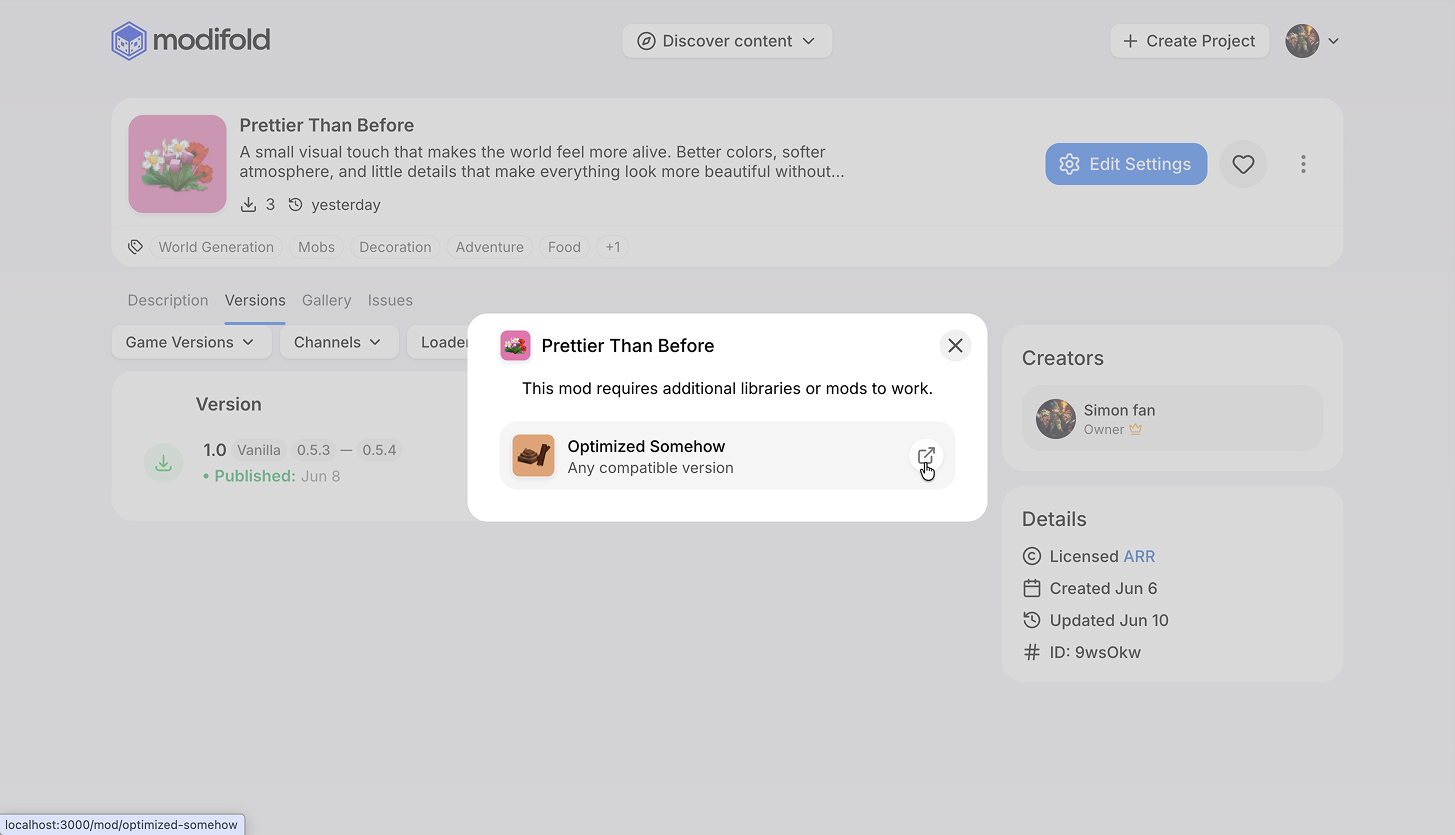
If a mod version has required dependencies, Modifold now offers to download them together with the main file.
That means fewer chances to download a mod, launch the game, see a crash, open the log, and drop it in Discord asking for help.
Real game versions
We replaced the old Early Access system with normal game versions.
Now you can:
- filter projects by game versions;
- set supported versions when publishing a release;
- attach versions to a project release, for example
0.5.0,0.5.0 + 0.5.1, or any other set of symbols that is still easier to pronounce than Elon Musk's son's name. Okay, that was a joke. Of course, it is better to use the real game version.
A few more useful things
Other changes:
- project authors no longer see the like button on their own project;
- we fixed sizes and visual states in a few places;
- we updated the API documentation website;
- we updated links to the new API documentation on the main website;
- we cleaned up a few places on the project moderation page and ModJam pages.
We also added email sign up and login.
The login window now shows which method you used last time. Why did we do this? Because we wanted to. Don't ask.
We also cleaned up the mods catalog page:
- updated pagination and added it to the top of the page;
- the catalog now smoothly scrolls back to the top when you change pages;
- fixed the order of filters for worlds.
And overall, the site became cleaner and easier on the eyes.
What is next
Usually this is where we make some callback to the main topic of the post and promise that new features are already on the way. But you already know that.
We're happily waiting for the in-game mod browser and its integration with Modifold.
That's it, bye.