Blog
Analytics and Issues in Modifold
Modifold now includes player and server charts, plus Issues so your community can share feedback and bug reports right on the project page.
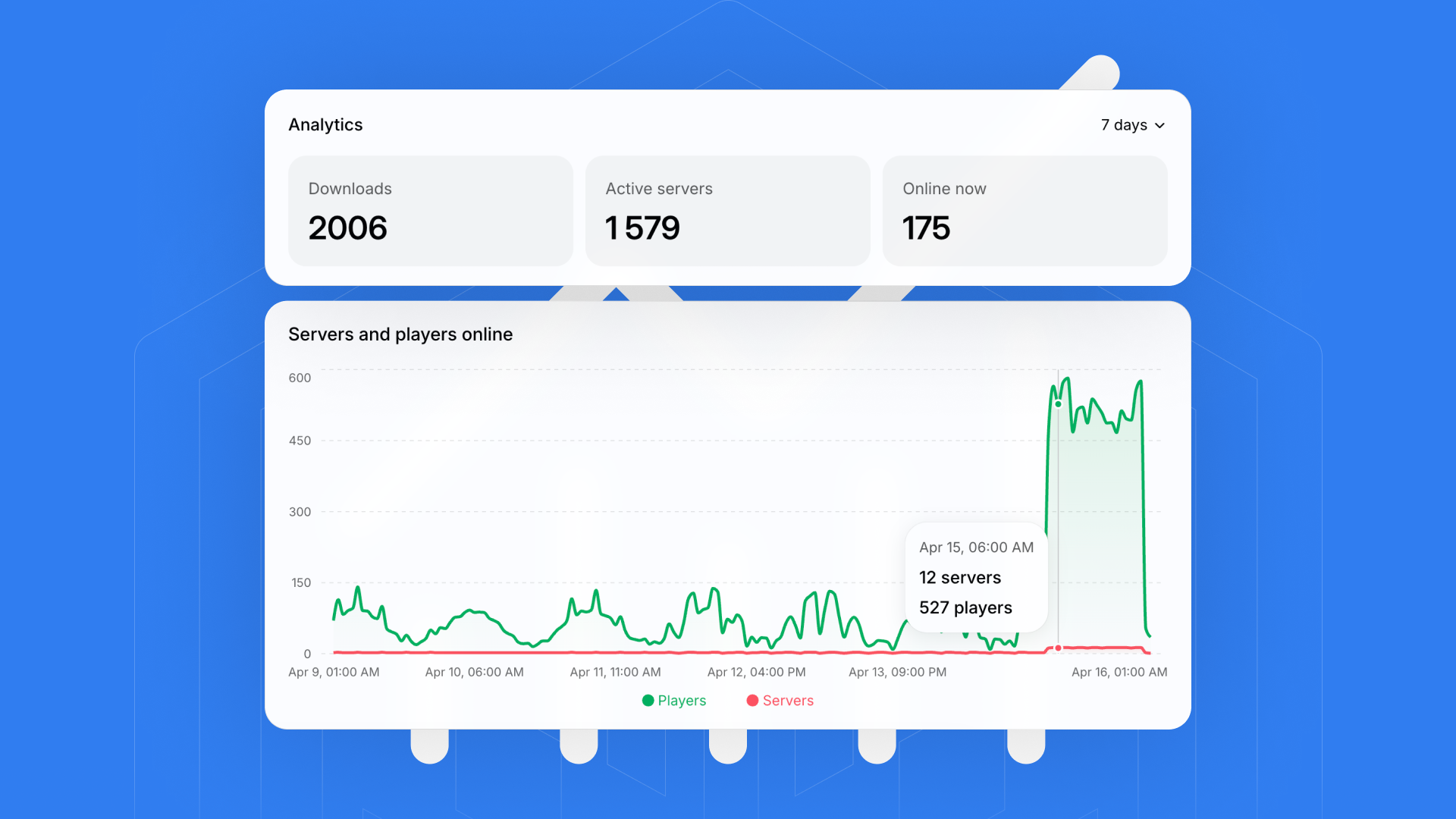
Today we have not one, but two major updates for mod creators: advanced analytics and full Issues support on project pages.
Analytics helps you understand how your mod is actually being used, and Issues helps you collect ideas and bug reports from the community in one place.
New project analytics
Seeing total downloads is useful, but it is even more important to understand how many people are actually playing with your mod.
We built the Modifold Analytics Plugin. After integration, your project on Modifold gets expanded charts for player count and active servers.
The source code is open on GitHub: modifold-website/analytics
What you get
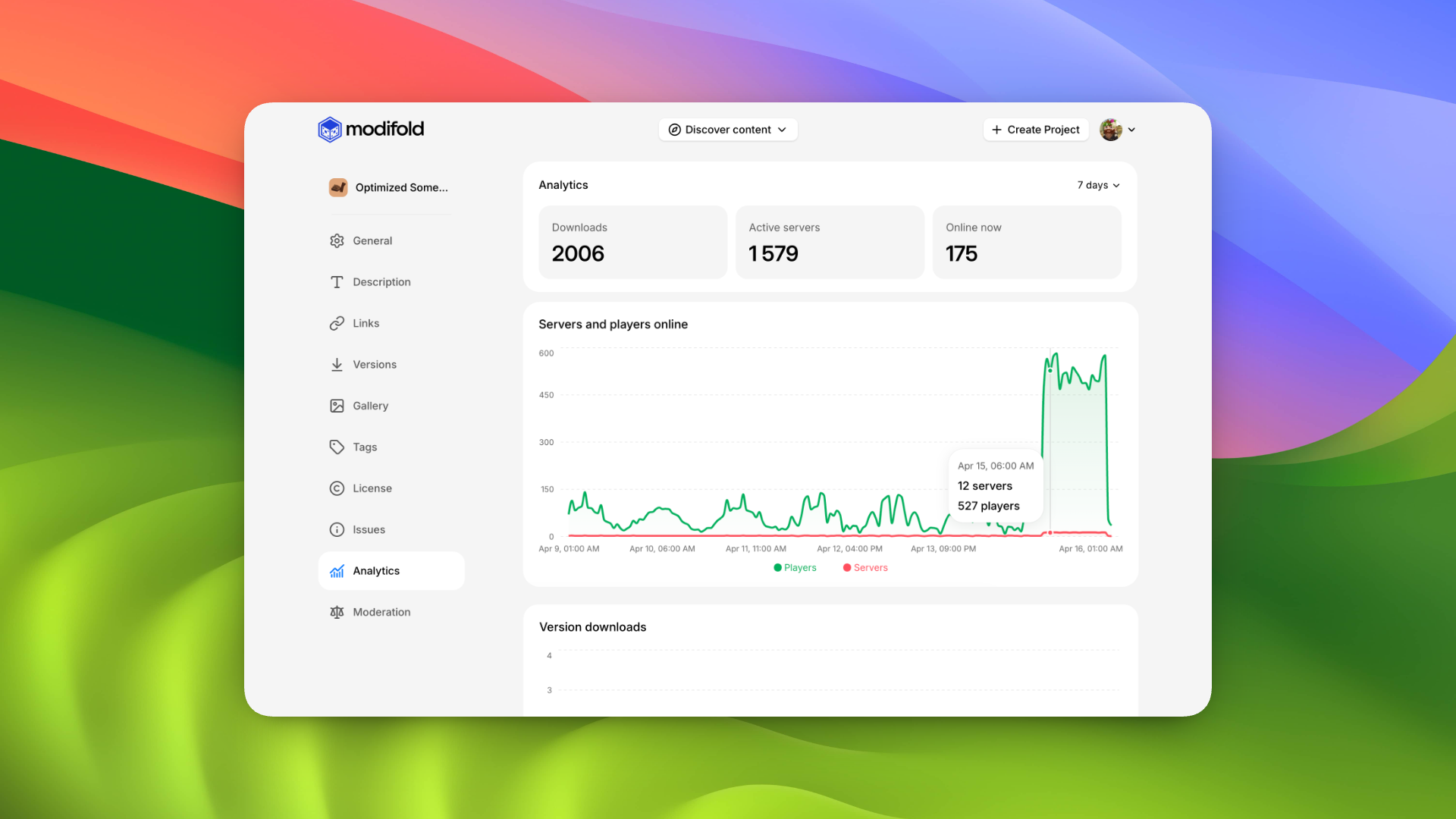
After integration, you get expanded analytics on the Analytics page. You will see current online players (how many users are playing with your mod right now), a daily player chart, and an active servers chart.
How to add it to your mod
For the demo mod, we used:
- Java 25
- Maven
- Gson
- Copy
src/main/java/com/modifold/ModifoldAnalytics.javafrom modifold-website/analytics into your mod source code. - Update the
packageline if your project uses a different package structure. - Make sure
Gsonis available in your mod runtime/build. - Initialize analytics during your mod/plugin startup (setup/init phase):
new ModifoldAnalytics("your-project-slug", "1.0.0");
Replace the placeholders:
your-project-slug- your Modifold project slug1.0.0- your current mod version
After this, expanded analytics will appear on your project page in Modifold.
Embedding the chart in Markdown
If you want, you can also add the chart directly to your project description:
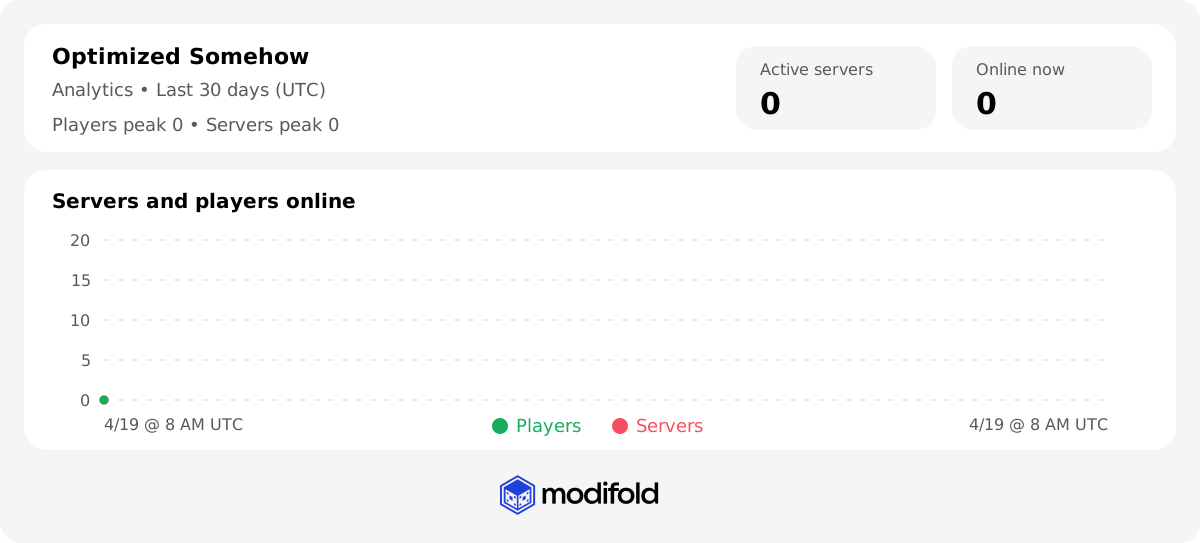
Dark theme:
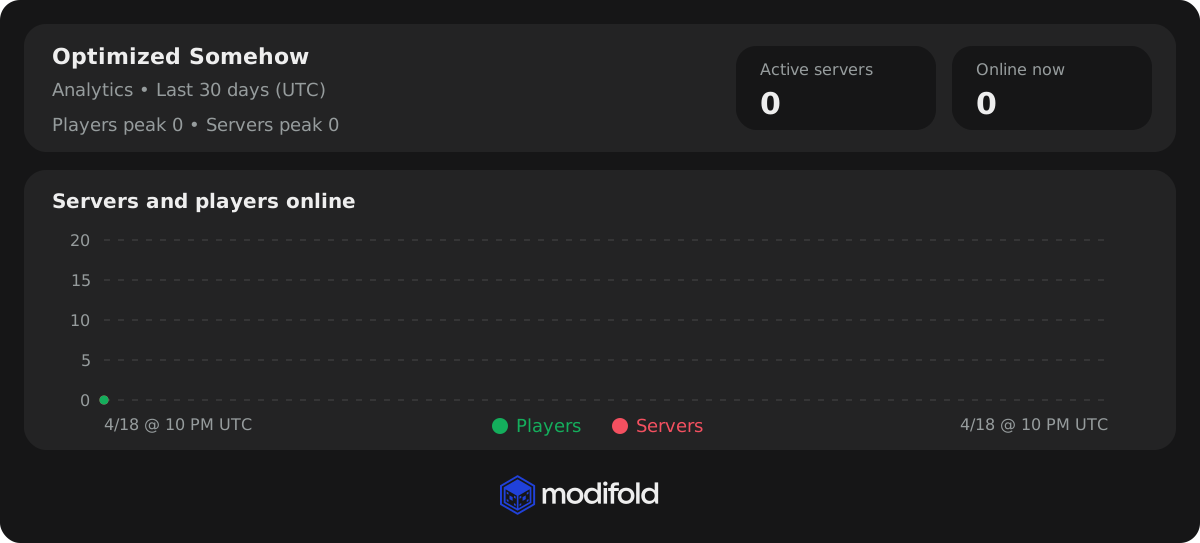
Here, optimized-somehow is your project slug.
Issues
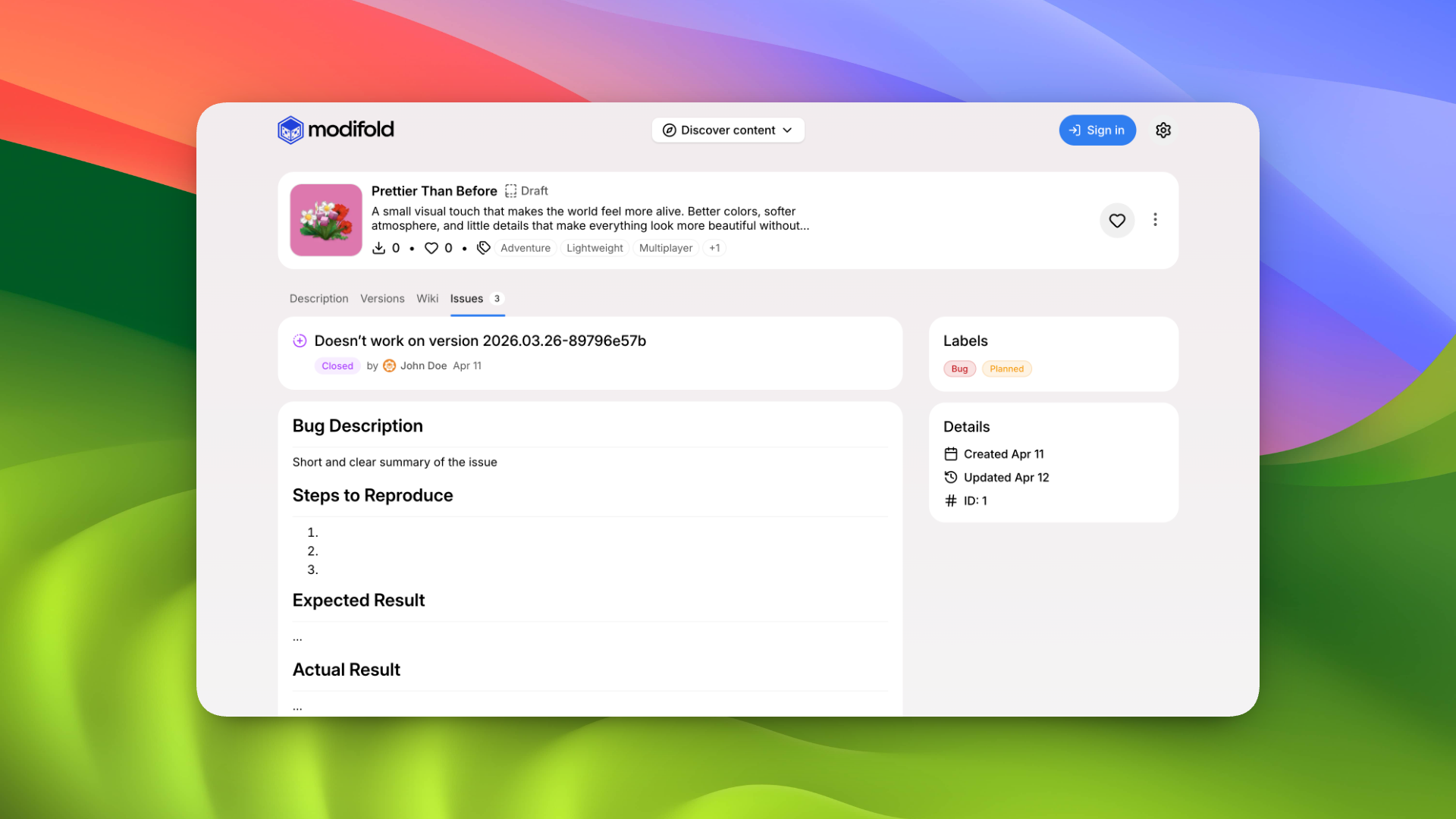
Projects on Modifold now have a dedicated Issues section.
There, users can:
- suggest new features for your mod
- report bugs and problems
- discuss open Issues in comments
Any user can comment on open Issues. The project author or organization members can manage these Issues by editing, pinning, and closing them when needed.
Project Issues settings
Project settings now include a separate Issues section.
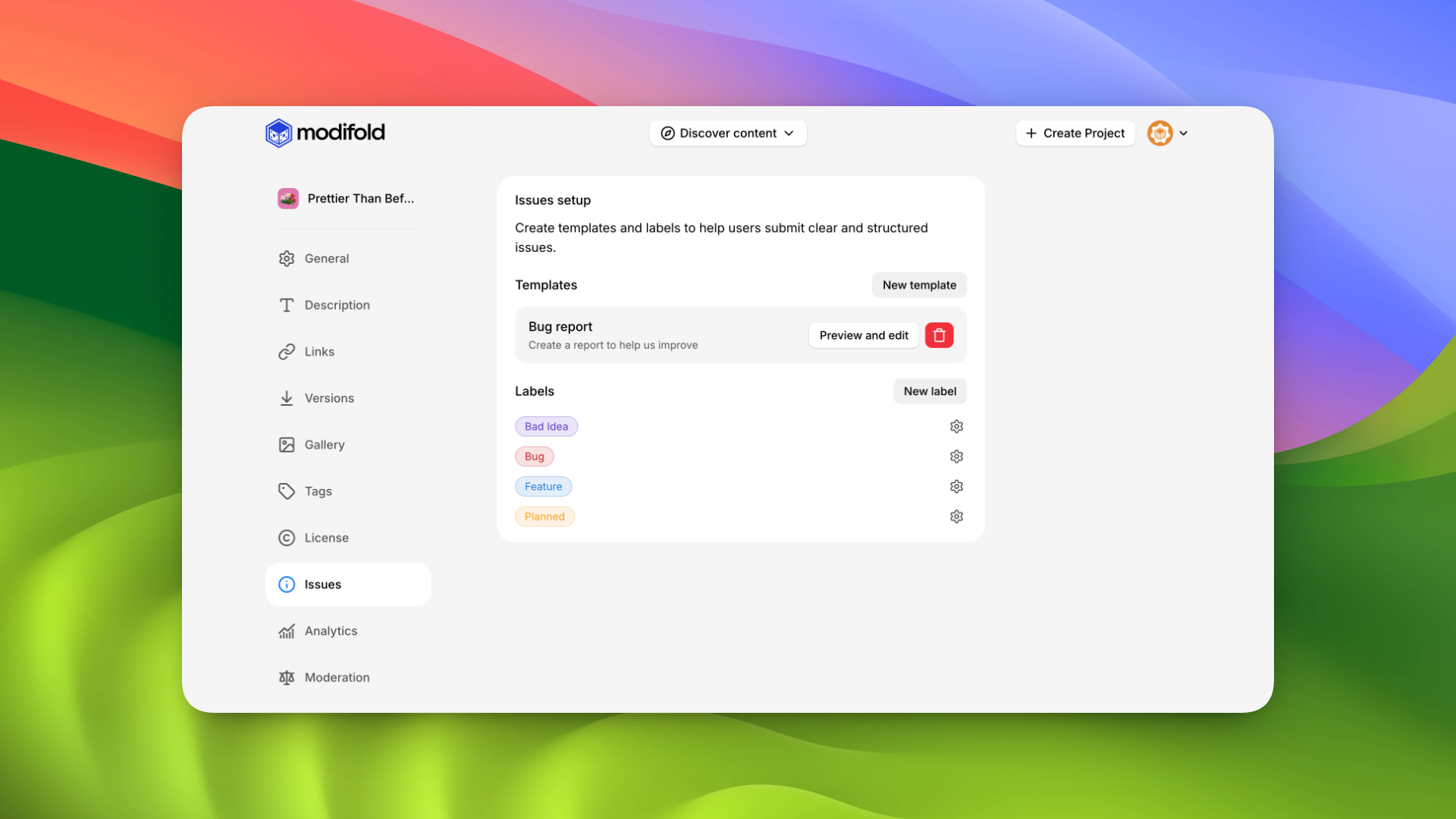
There you can:
- add new Labels
- edit existing Labels
- create Issues templates (and edit old ones too)
These templates are shown to users when they create a new Issue on your project page.
End
Thank you for building Modifold with us.