News
Integration with HytaleModding Wiki
Connect HytaleModding Wiki to your project on Modifold: a dedicated Wiki tab, synced pages, and Markdown content.
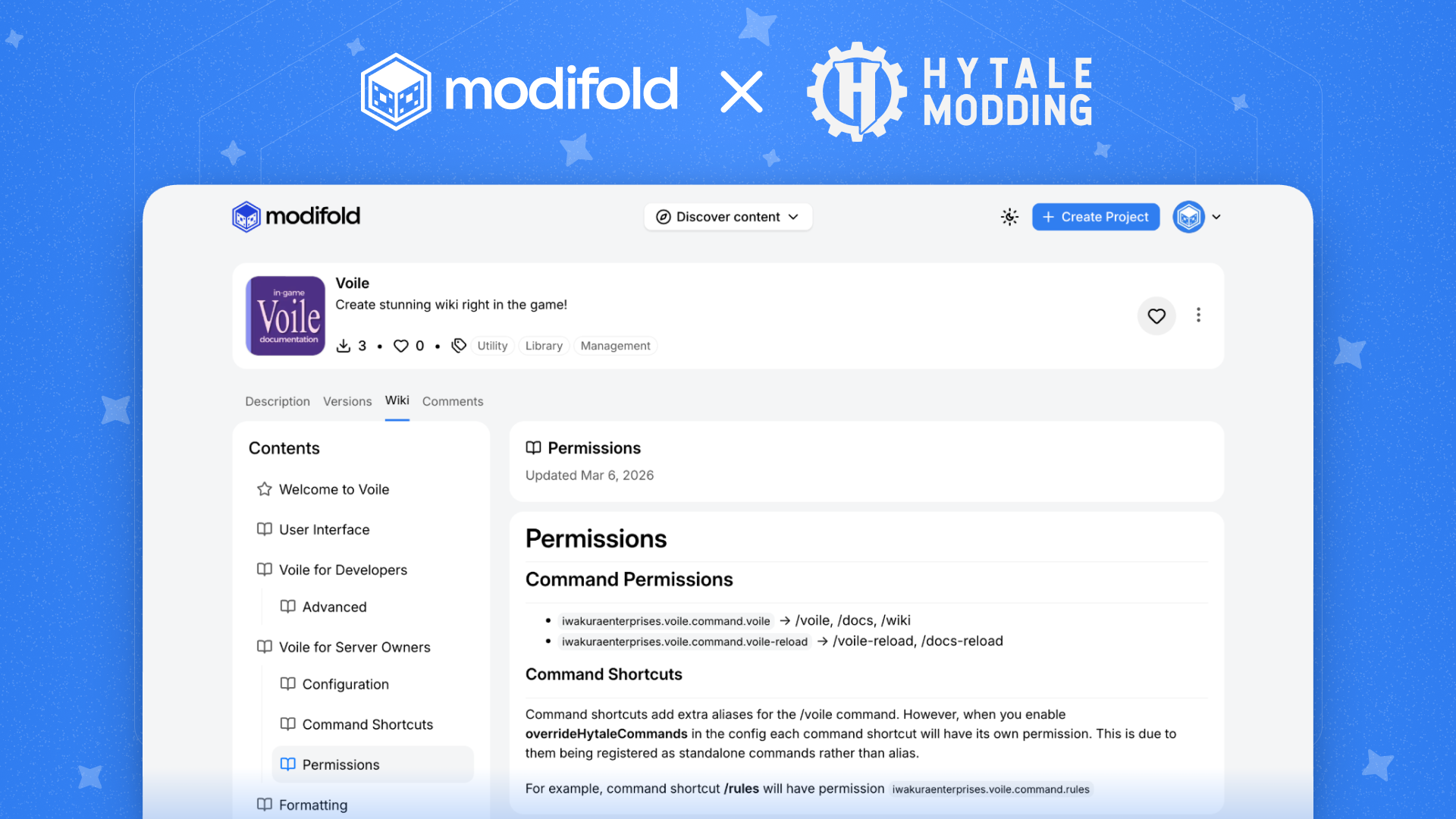
We have added integration with HytaleModding Wiki to Modifold.
If your mod already has a wiki on HytaleModding Wiki, you can now quickly attach it to your project on Modifold. After that, your project will get a dedicated Wiki tab where synced pages and Markdown content will be displayed.
What this gives you
- A dedicated Wiki tab directly on your project page on Modifold
- Synced pages from HytaleModding Wiki
- Markdown content displayed on Modifold without manual copying
- More convenient navigation for players, testers, and other modders
How to connect it
Everything is very simple to set up: just open your project settings on Modifold and add a link to your wiki from HytaleModding Wiki.
After saving, Modifold will use that wiki as the content source for the Wiki tab inside your project.
Where to edit the wiki
Important: configuring the structure and editing the pages themselves still happens on the HytaleModding Wiki website.
In this case, Modifold acts as an integration and display point, so your project's documentation is available to users right next to the main mod page.
Thanks
Thanks to the HytaleModding team for continuing to grow the Hytale modding community and support the ecosystem with useful tools.
We are proud to be part of this story and to make access to mods and their documentation more convenient for the whole community.