Blog
Modifold May Update
Creator Badge, liked projects page, new version notifications, updated mods catalog, project gallery, and other improvements.
Today we are releasing the May update for Modifold. It is now easier to follow creators, return to projects you liked, find fresh mods, and publish versions for your own projects.
We focused on the things players and modders do most often: finding projects, saving interesting ones, following updates, and showing their work to others.
Main changes in this update:
- Creator Badge instead of the old verification.
- Liked Projects page for saved projects.
- Notifications about new project versions.
- Updated mods catalog with recommended projects and sorting by recent updates.
- New project cards.
- Dependency selection when publishing versions.
Creator Badge
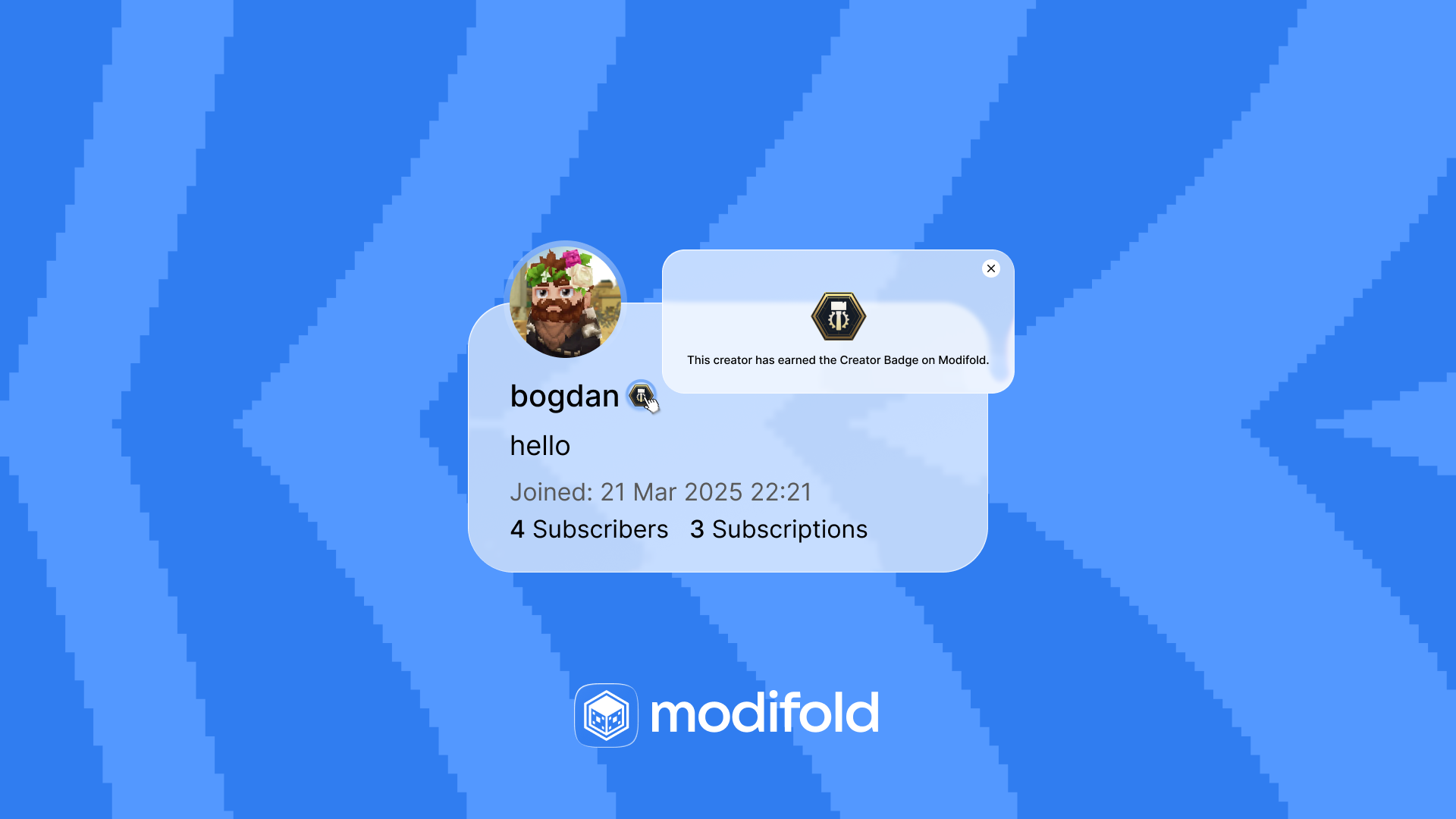
We removed the old verification and replaced it with Creator Badge.
Before, we had a blue checkmark that looked like verification on social platforms. That did not feel quite right for Modifold, so we made a new Creator Badge with clear requirements.
We like Simon’s thought: if he were a Hytale modder today, he would focus on making mods more accessible and building his name.
We feel the same way. Players should see not only the mod, but also the creator behind it: their work, badges, stats, and ways to support them (we will talk about that a bit later).
To activate Creator Badge, you need to:
- publish 3 projects;
- reach 500 total downloads across your published projects.
When both requirements are met, the badge can be enabled without an application or waiting. It appears next to the creator’s name, helps players recognize active creators faster, and makes their contribution to the community more visible.
Liked Projects
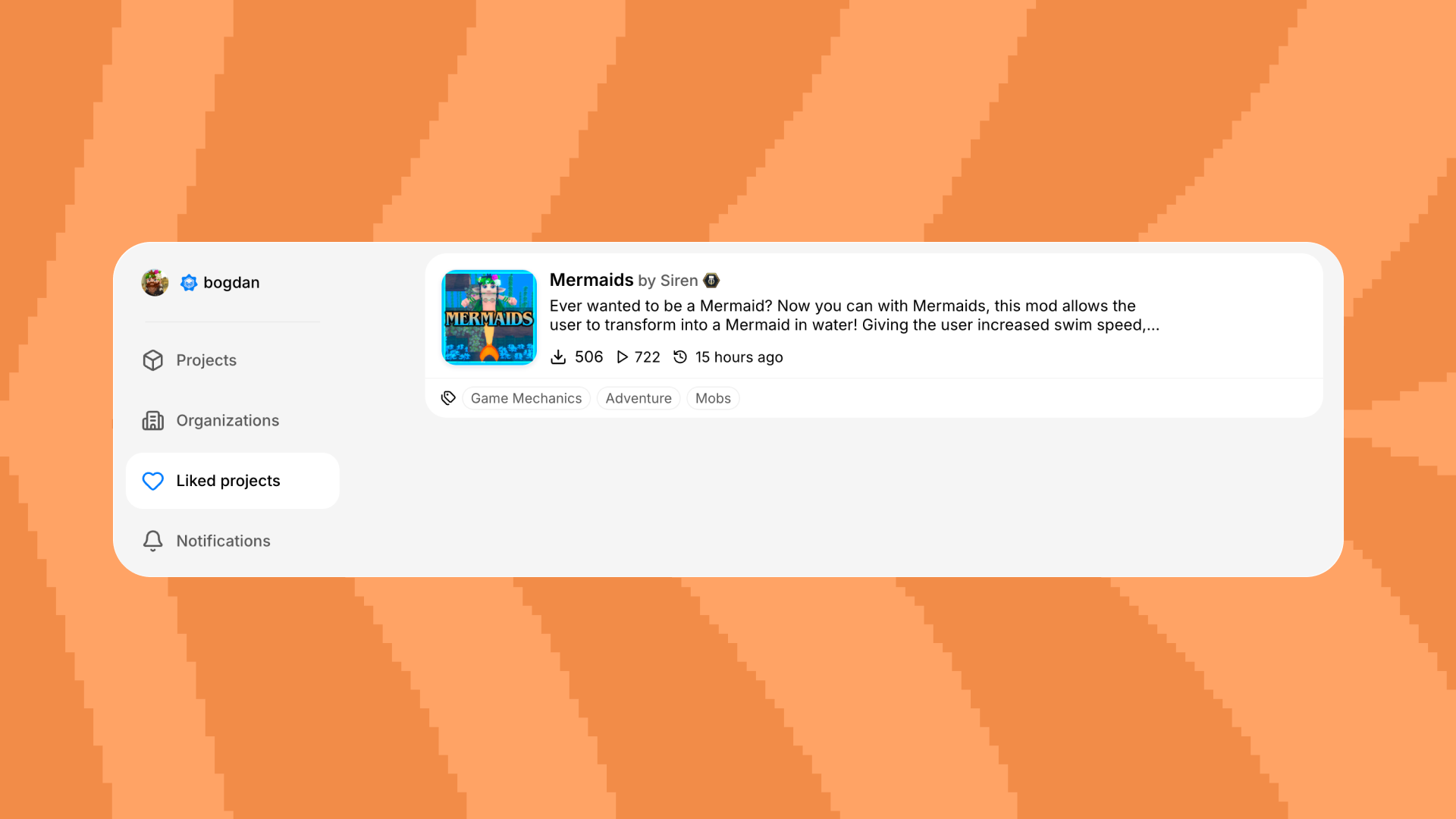
The user dashboard now has a Liked Projects page.
Now projects you liked can be found in one place. This is useful if you are building a mod set, want to return to a project later, or just want to keep track of what you already liked.
The page link was added to the profile menu and mobile navigation.
New Version Notifications
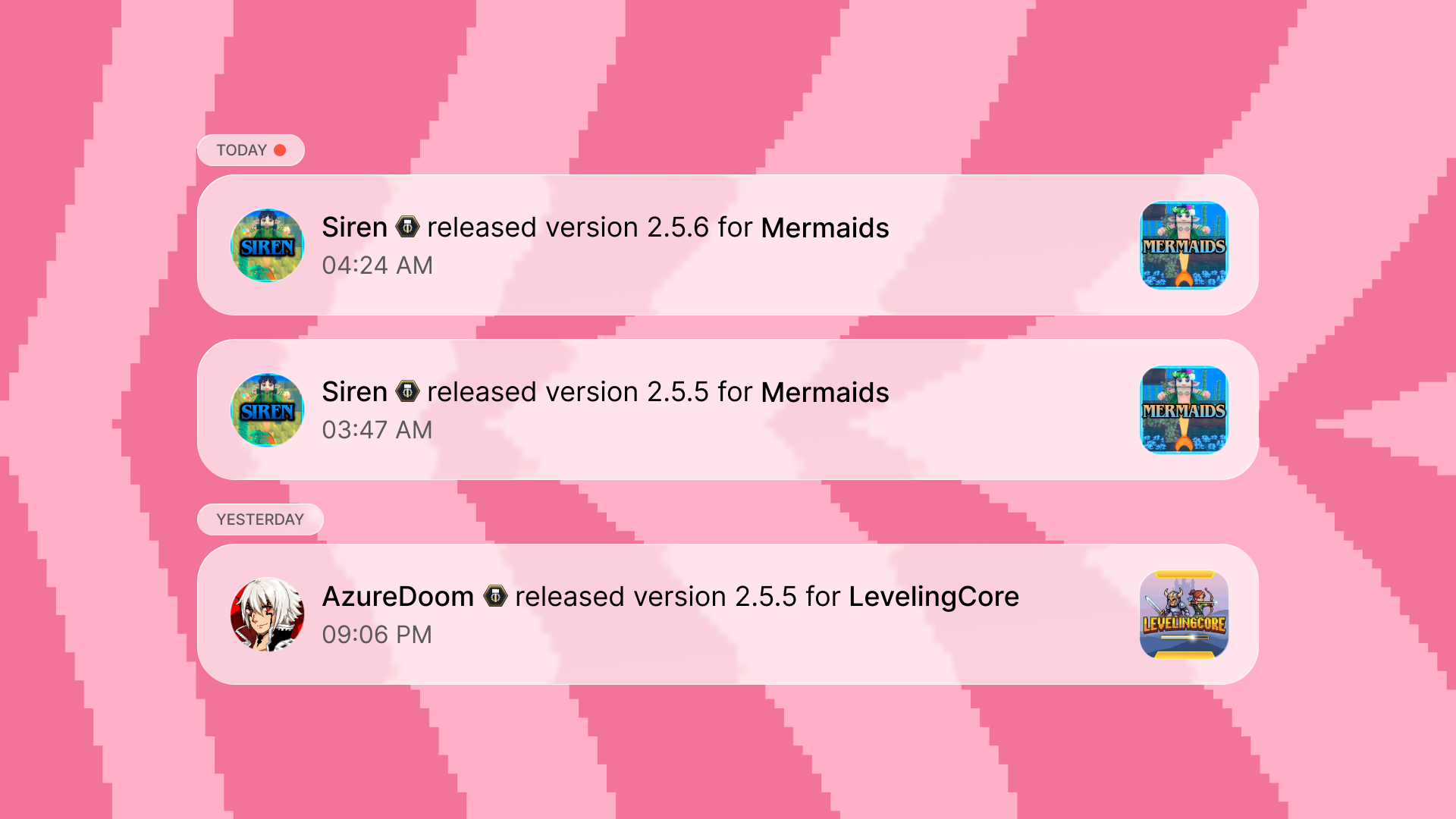
Following a creator is now more useful. When a creator releases a new project version, their followers get a notification.
This is another step in the same direction: a user follows not only one mod, but also a person or team they trust.
Mods Catalog
The mods catalog is now more useful for anyone looking for something fresh.
We added Recently Updated sorting. Now you can browse not only new or popular projects, but also projects that recently received updates.
The mods page now also has a recommended projects block. It helps you notice interesting community work faster, without going through filters for too long.
Project Gallery
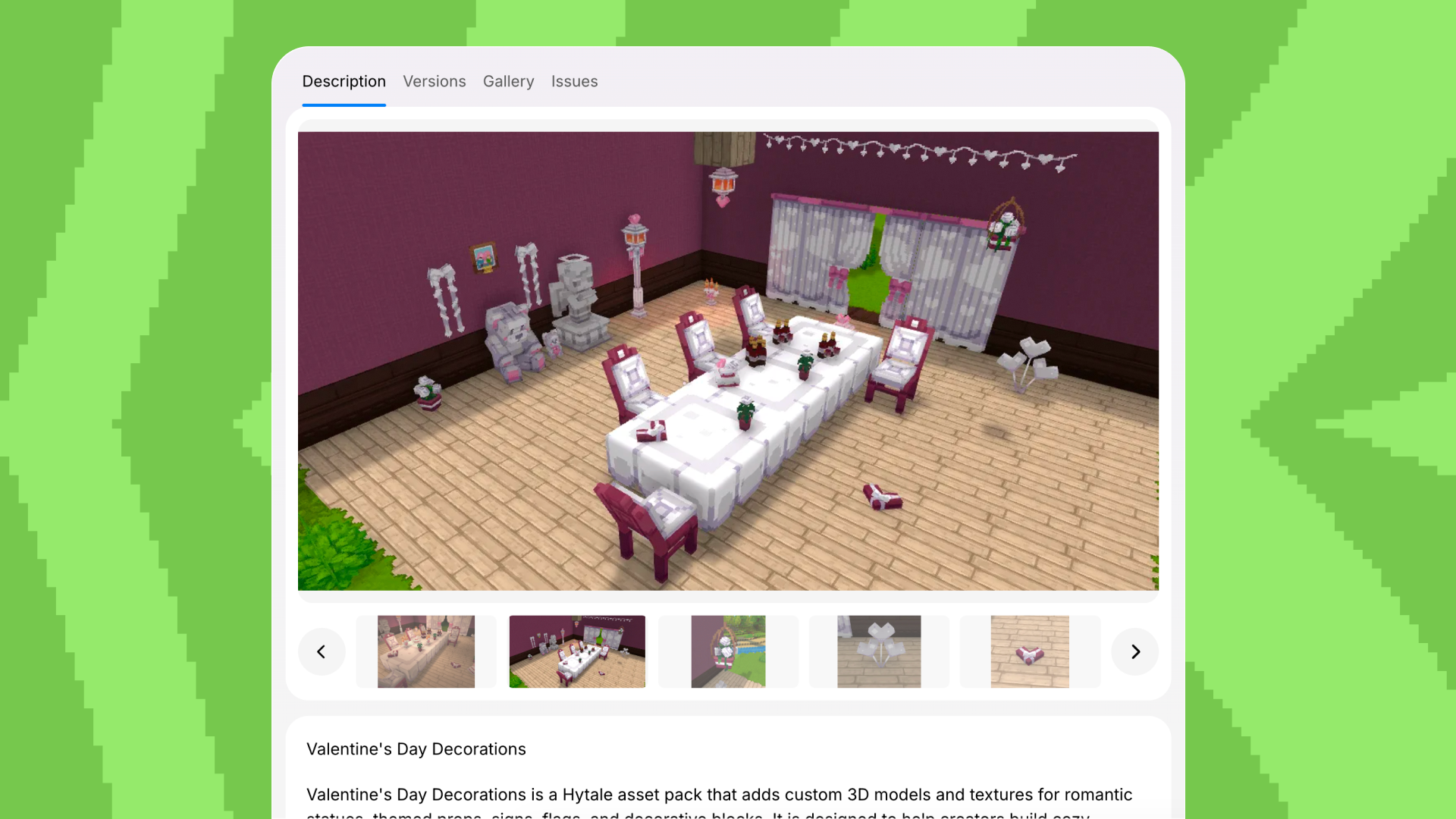
We started testing a new gallery directly on the project page.
It opens in the context of the page, switches images smoothly, works better on phones, and makes thumbnails easier to use.
For now, this gallery is available as an experimental feature in /settings/flags. We will keep improving it and gradually enable it more widely.
Versions and Dependencies
When creating or editing a version, you can now specify dependencies on other projects.
This is useful for mods that need another mod or library. In the editor, you can find a project, select it from the list, and link it to the current version.
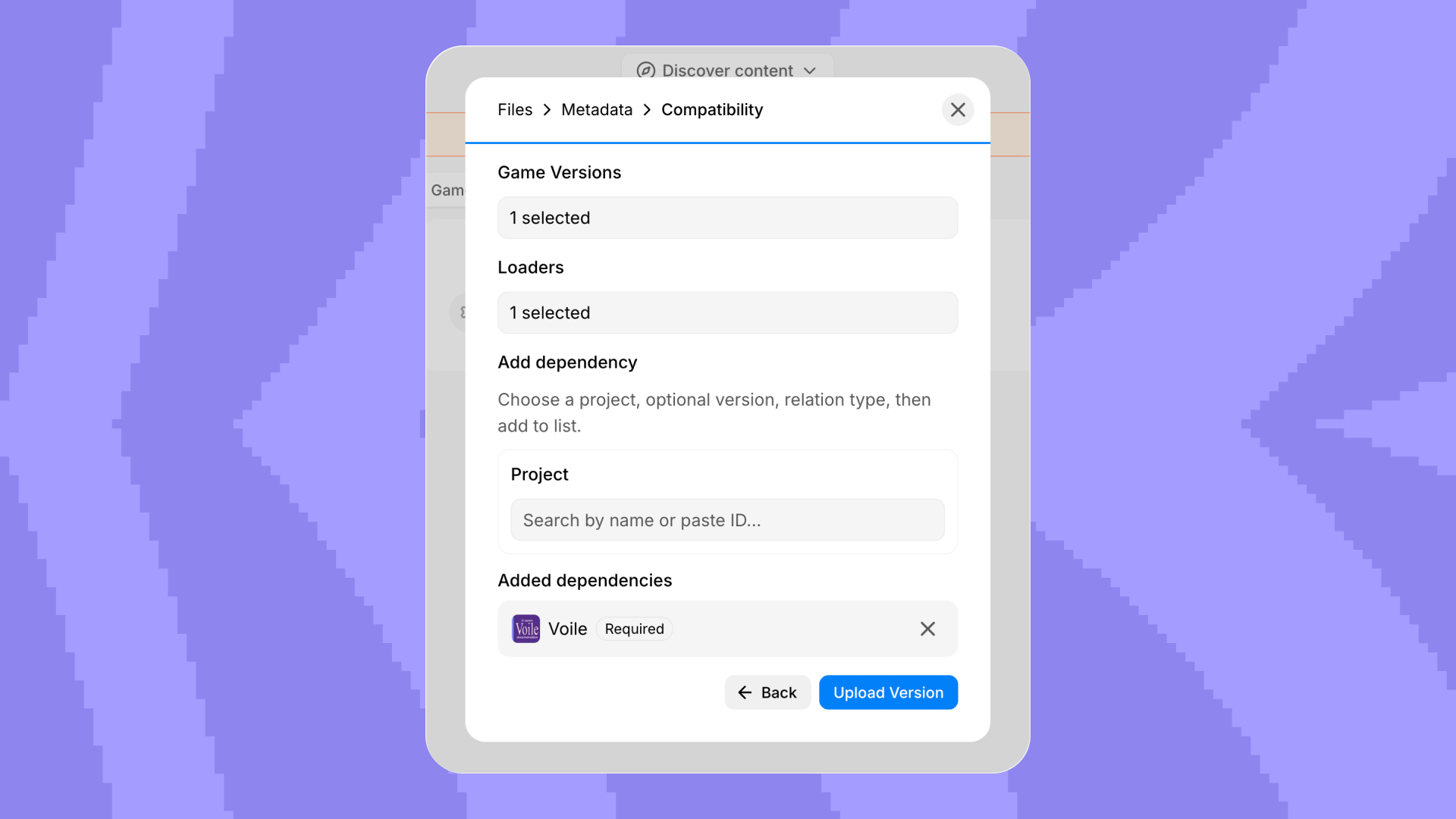
Thanks to AzureDoom for suggesting this idea.
Other Improvements
- Updated the login window.
- Updated the site footer.
- Updated the site favicon.
- Updated the logo on the home page.
- Improved modal animations across the site.
- Fixed icons in the social links block.
- Made the clear filters button cleaner and disabled when filters are empty.
- Latest projects now appear in the home page showcase.
- The marquee on the home page now pauses when hovering a mod badge.
What’s Next
Next, we will pay more attention to creators, projects, and how players discover new mods. We want Modifold to be a helpful, active place for the community.
Thanks for building Modifold with us.